
Jump to Content
PyxisAPI ReferenceDiscussionsGuides
HomeGuidesAPI ReferenceChangelogDiscussions
API ReferenceDiscussionsGuidesPyxis
Guides
Managing Customers

Getting Started

  • Introduction
  • Glossary
  • Overview
  • Workflows
    • Simple Funds Transfer
    • Escrowed Funds Transfer
  • Pyxis Fees

Using the Pyxis API

  • Overview
  • Authentication
  • Creating your first customer
  • Add a vault to a customer
  • Add a funding source to a customer
  • Receive a payment
  • Transfer funds between wallets
  • Webhooks/Callbacks

Using the Pyxis Dashboard

  • Overview
  • Logging in to the dashboard
  • Managing Customers

Hosted Payment

  • Overview
  • Creating a payment request
  • Receiving a payment notification

Managing Customers

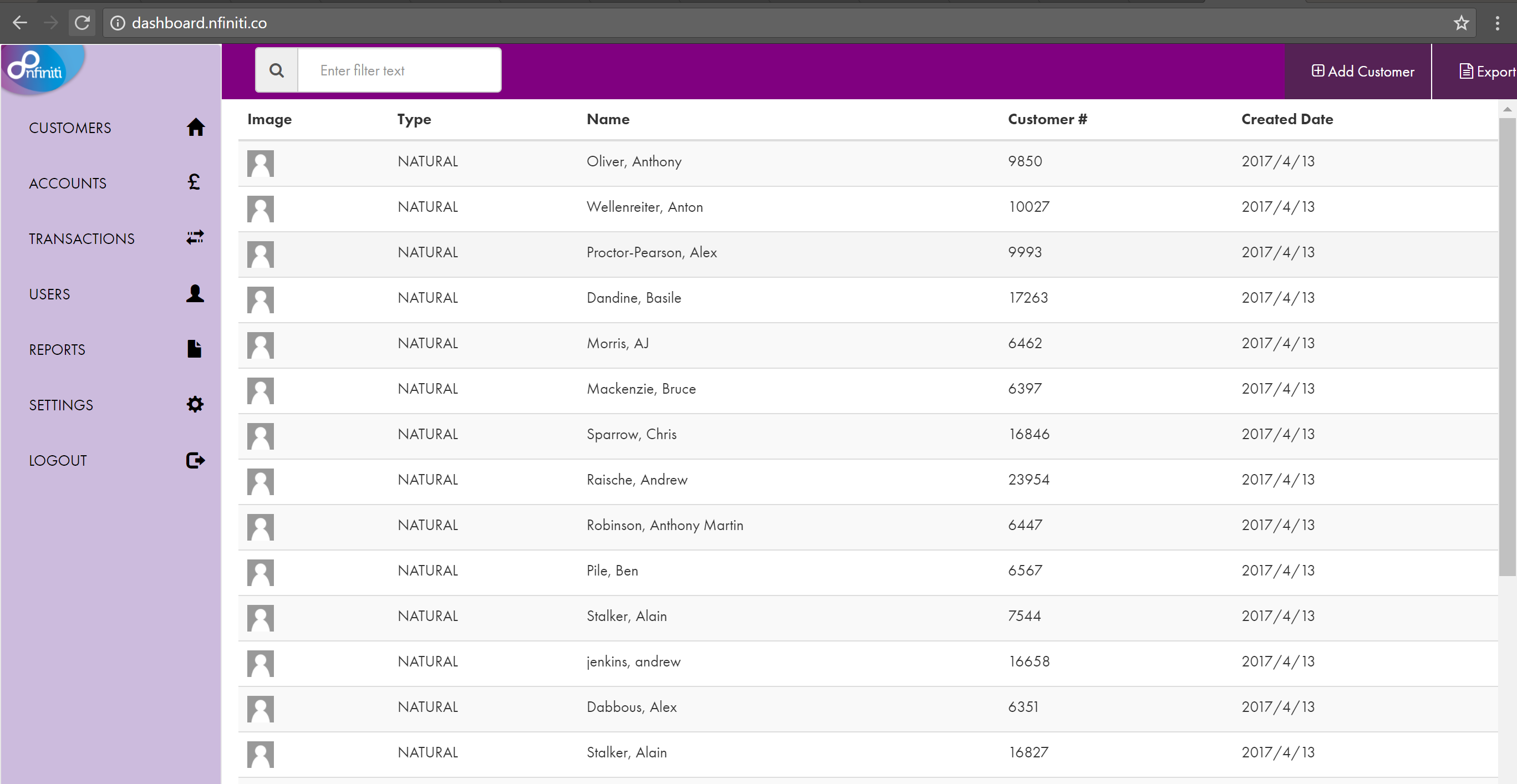
Viewing all customers

The initial Pyxis dashboard shows a list of your customers
2736

Filter the customer list

You can filter the list of customers by typing in the search box.

2693

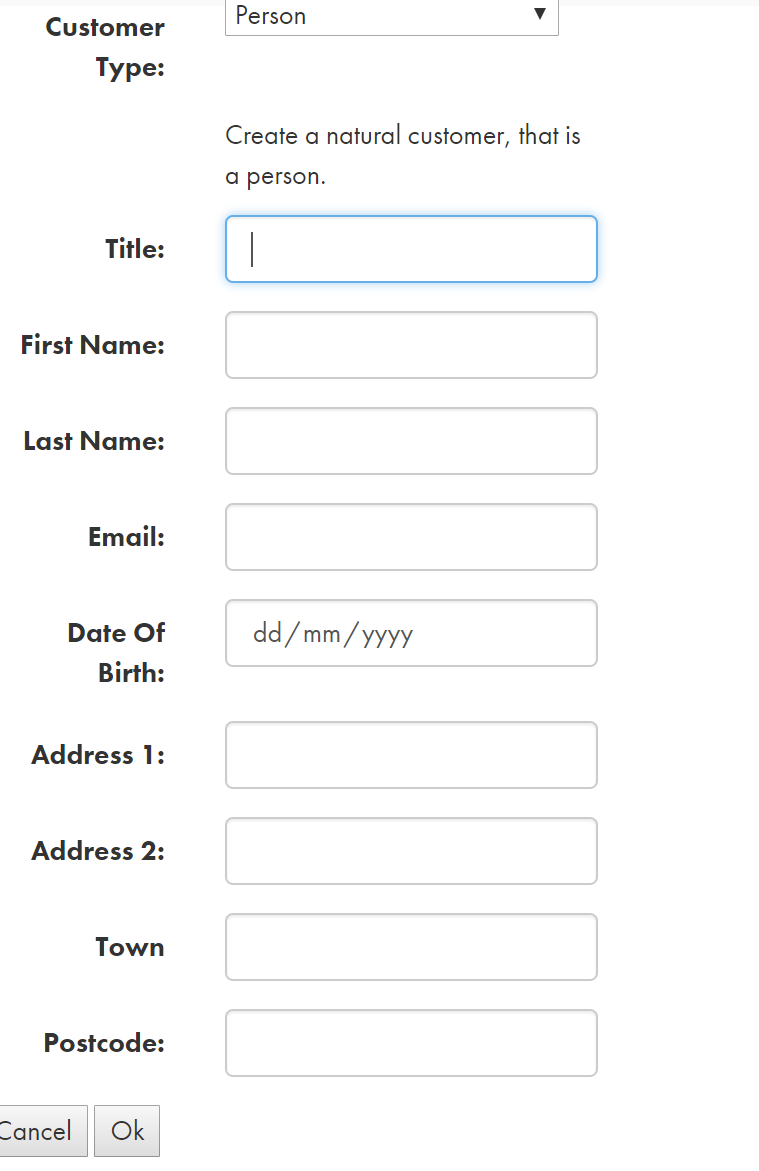
Adding a new Customer

Click the Add customer button in the top right of the Pyxis dashboard window
759

Viewing customer details

Click on a row to see the details for that user

Updated almost 5 years ago


  • Table of Contents
    • Viewing all customers
    • Filter the customer list
    • Adding a new Customer
    • Viewing customer details